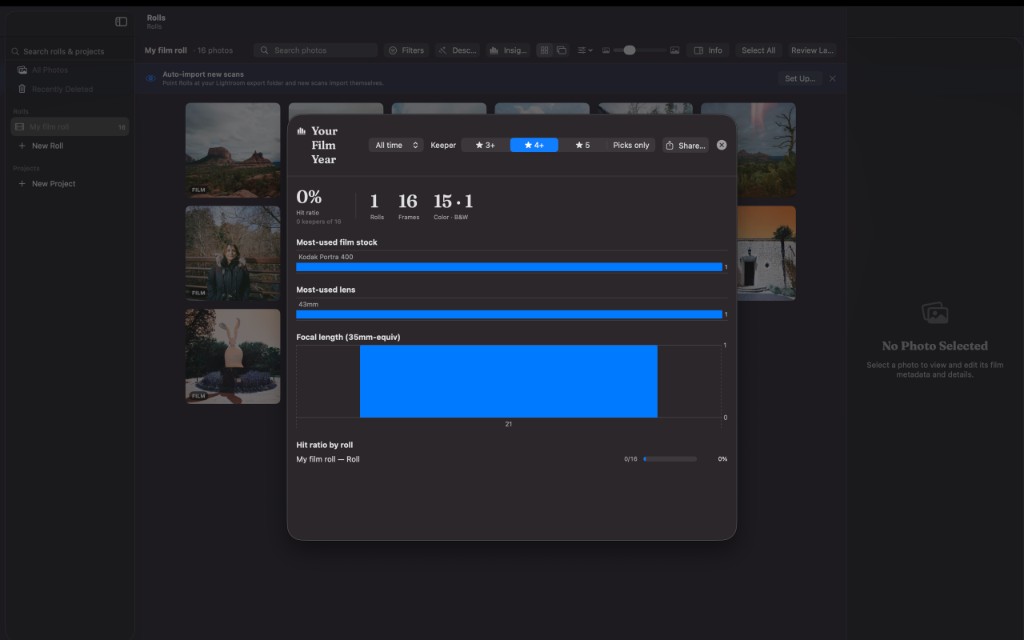
Film-first organization
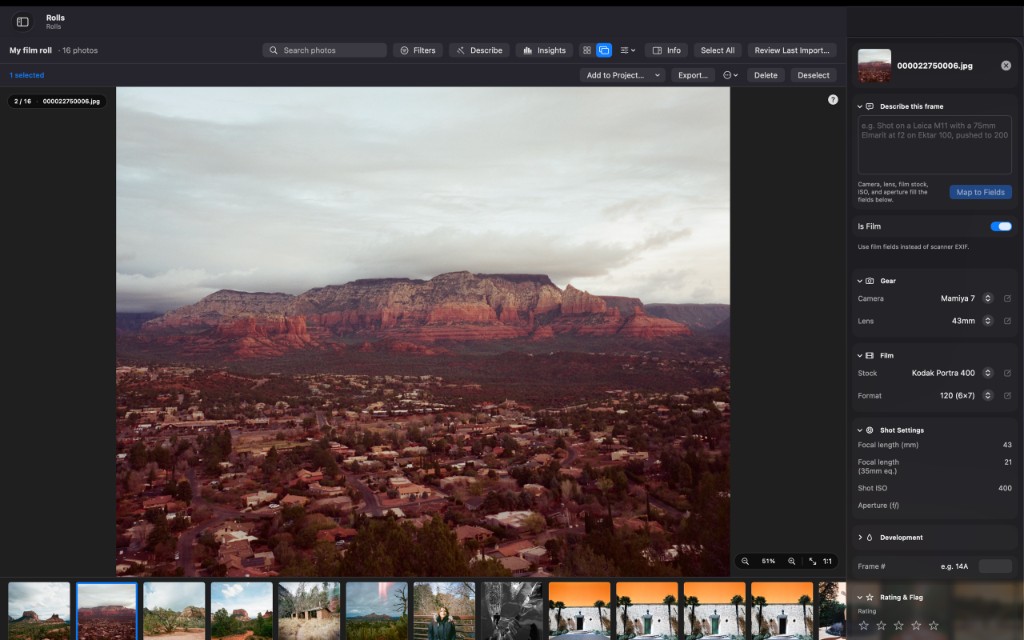
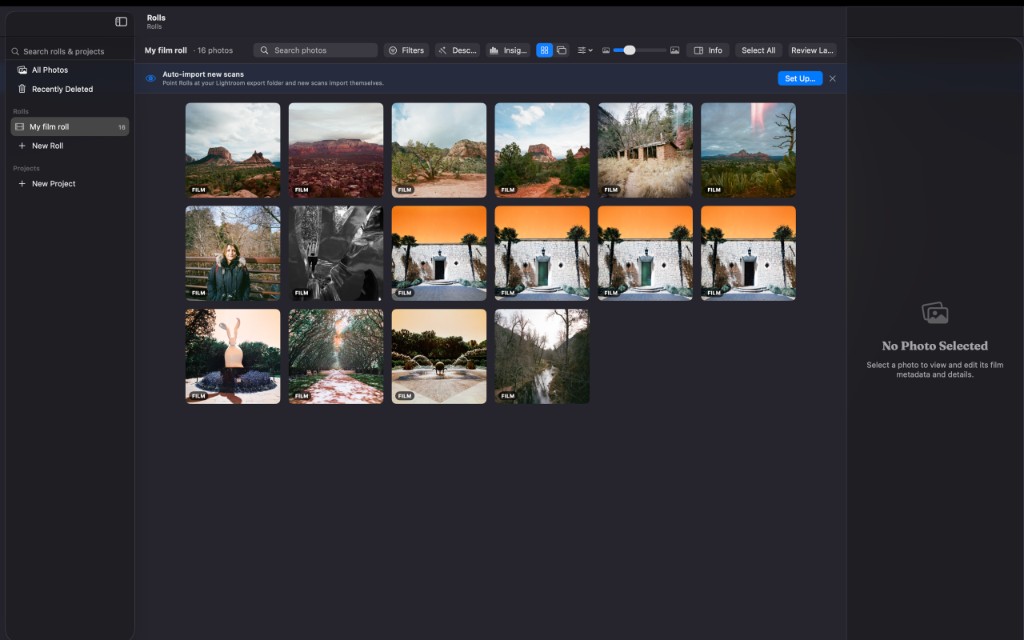
Catalog scans the way film works — by roll, stock, camera, and lens — instead of dumping everything into a generic folder tree.
Catalog your scans the way film actually works — by roll, stock, camera, and lens — cull the keepers fast, and keep everything on your Mac. Not an editor; the tool that lives around your scanning workflow.
Built by someone who shoots on film.

Requires macOS 15 (Sequoia) or later · $19.99 · v1.0
Works with JPEG, TIFF, HEIC, PNG, WebP, AVIF, GIF, BMP, and major camera RAW including DNG, RAF, CR2/CR3, NEF, ARW, ORF, RW2, PEF, SRW.
For macOS
Catalog scans the way film works — by roll, stock, camera, and lens — instead of dumping everything into a generic folder tree.
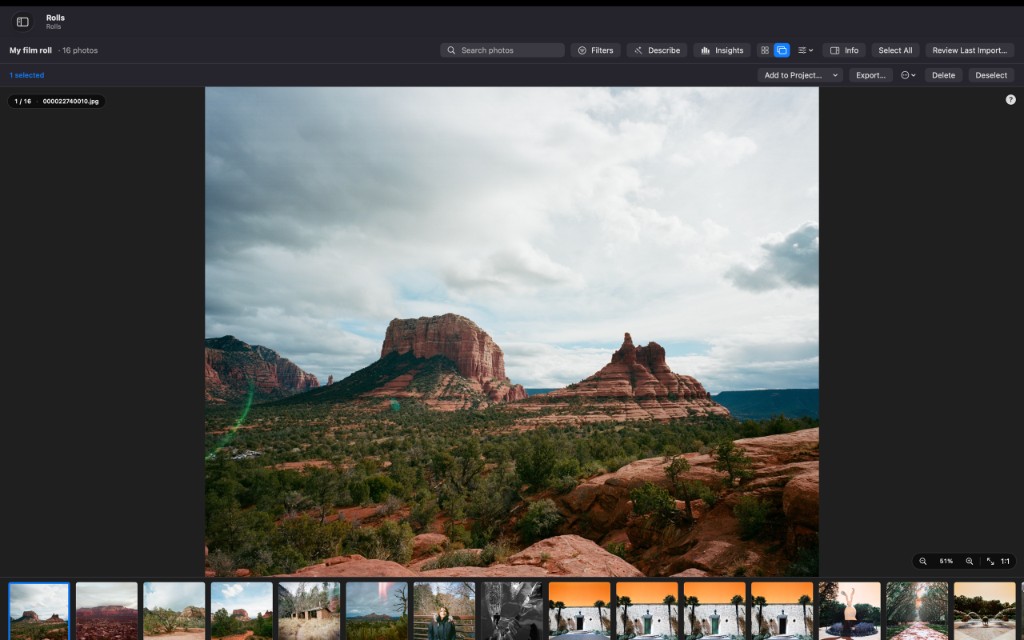
Move through a roll quickly with keyboard-driven keepers and rejects so you spend less time clicking and more time editing.
Natural-language cataloging runs on your Mac. Describe what you shot; nothing leaves your machine to do it.
Find frames across metadata and subjects without waiting on a cloud index or signing into an account.
Export XMP sidecars so your culls and catalog notes stay compatible with a Lightroom-centered workflow.
No cloud, no accounts, no telemetry. Your library stays on your Mac.
In development
Rolls is where you catalog your scans. Rolls Logger is where you capture the shot: load a roll, log each frame as you go, meter with the built-in spot meter, and keep a truthful, per-frame record of exactly what you did — the metadata a scanner can never recover.
Coming soon to the App StoreiPhone, iOS 17.6 or later · $4.99 · v1.0
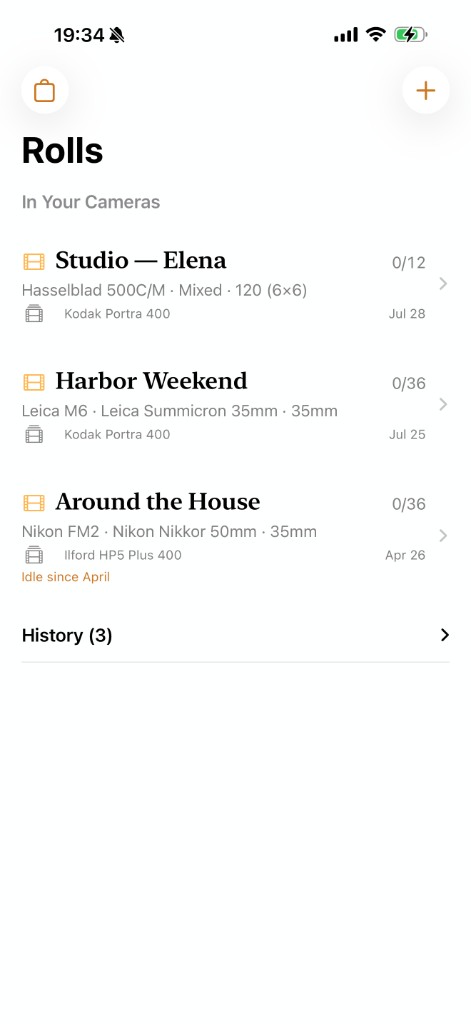 Shelf
Shelf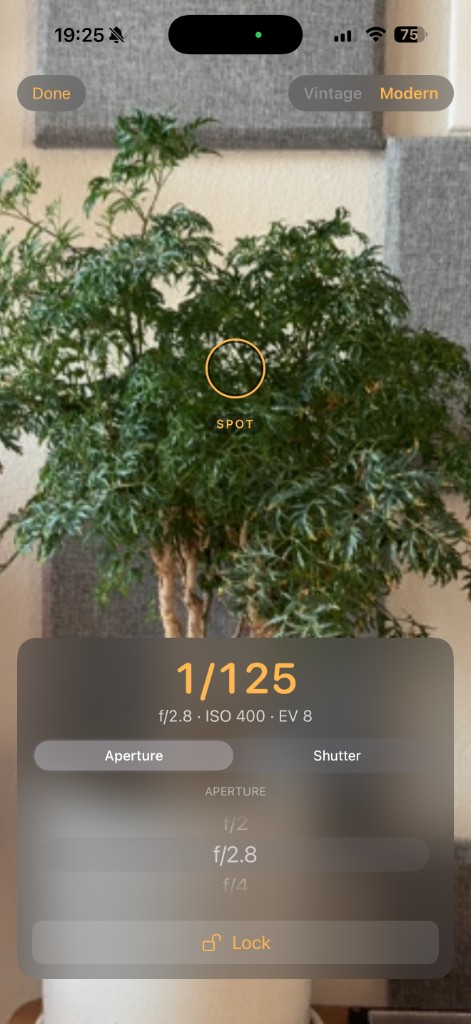 Spot meter
Point the on-screen ring at a tone and read the exposure — then drop the reading straight into your log.
Record each frame’s subject, aperture, shutter, and notes in a quick, one-handed sheet.
No accounts, no sign-in, no network. Your rolls, frames, and gear live on your iPhone.
Rolls Logger is where you capture. Rolls is where you catalog. Shoot and log a roll in the field on your iPhone, then bring your lab scans into Rolls on the Mac and organize them by roll, stock, camera, and lens.
Today, each app stands on its own — and Rolls Logger can export a clean, portable .rolls file of everything you logged (AirDrop it, or Save to Files).
Coming soon: import your logged rolls straight into Rolls on the Mac, so your exposures, lenses, and notes line up with your scans automatically — and keep your gear names in sync between the two apps. We’re building it next.
No account required
Rolls collects no data. It has no network access, no accounts, and no telemetry. Everything stays on your Mac.
Read the privacy policyFor help, questions, or bug reports, contact rolls.support@gmail.com.
Full support page